- calendar_today August 15, 2025
Microsoft’s path with Copilot in Windows 11 has involved several twists, including fundamental changes in its design, which led users to feel like the initial versions were solutions looking for problems. Microsoft’s ongoing modifications to Copilot’s essential functionalities intensified this perception as the tool shifted from its original native Windows application setup to a web-based service before ultimately becoming a more integrated component. The Copilot Vision feature’s latest update has generated considerable interest while offering potential solutions to an ongoing user requirement.
The current rollout to testers in Microsoft’s Windows Insider program includes a major enhancement that significantly broadens the Copilot Vision features. Copilot Vision was first released in late 2024 to examine Microsoft Edge browser web page content and provide answers to user questions based on this content.
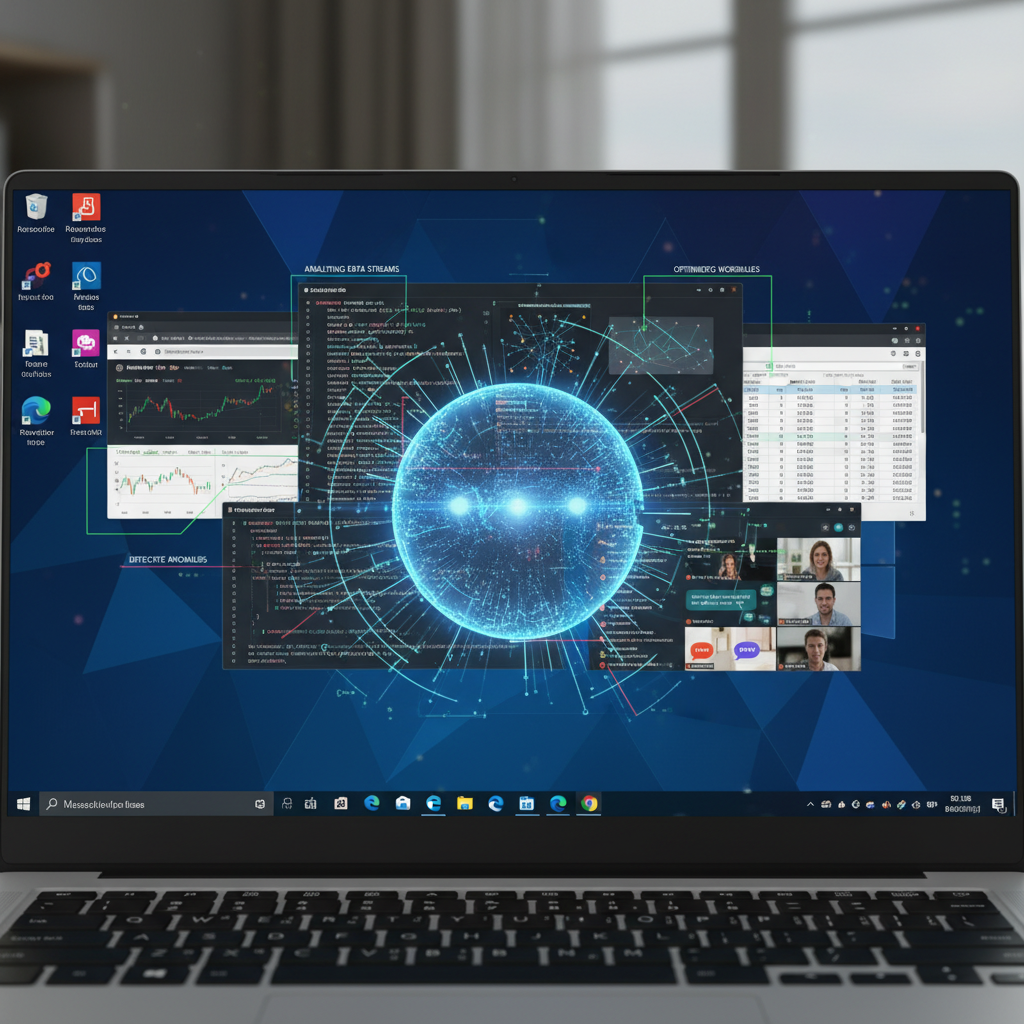
This new update allows Copilot Vision to analyze the content of almost any open application window on a user’s desktop. The key update lets users employ Copilot to understand content from documents and software interfaces while also receiving direct guidance about application user interfaces and their operational functions. Copilot Vision’s development represents a major advancement in integrating AI assistance into Windows user experience and potentially revolutionizing user-software interaction and learning.
Enhancing User Productivity Through Contextual AI Assistance
This enhanced Copilot Vision offers significant practical benefits as long as it functions with the expected degree of reliability and accuracy, which remains essential for any AI-powered tool. The feature shows potential to eliminate the tedious task of online research for tutorials, FAQs, and forum discussions that users face when they struggle to navigate new applications or employ advanced features in complex PC software suites, including Microsoft Word, Excel, and Adobe Photoshop.
The challenging shift from one application to another, which is conceptually similar but functionally different, like Adobe Photoshop to Affinity Photo, demonstrates why Copilot Vision could be valuable. Users face substantial time investment and frustration when learning new applications because workflows and terminology differences between similar programs create significant challenges in developing proficiency.
Copilot Vision presents an immediate and effective solution by delivering explanations and assistance that are specific to the application environment. Users can eliminate the need to minimize their active application because they can ask Copilot Vision about specific functions or interface elements to obtain immediate context-sensitive information. This function offers substantial improvements to new software training methods for users while increasing their productivity when working with complex applications, and leads to a more efficient computing environment with fewer user frustrations.
Navigating Privacy Considerations and Insider Program Requirements
Users must actively transmit their application window visuals and displayed data to make full use of Copilot Vision’s expanded capabilities. Users must understand that sharing with Copilot Vision includes both the static visual elements of the application interface and the dynamic data and content visible at that moment. Because Copilot Vision uses cloud-based processing rather than being limited to Copilot+ PCs with local AI processing capabilities, it requires data to be sent to Microsoft’s remote servers for analysis and response generation.
Microsoft has taken proactive steps to address privacy concerns related to the handling of sensitive application data through prior communications regarding Copilot Vision. The company clearly declares that data about your spoken words and shared context with Copilot will be removed when a specific Vision session ends. The output from Copilot interactions remains recorded and stored as part of Microsoft’s initiative to enhance its safety systems. Microsoft’s comprehensive Privacy Statement governs all data collected and stored in this process, so users should review it thoroughly to understand information handling procedures.
Expanding File Management Capabilities
The newest Copilot update delivers enhanced visual analysis together with substantial advancements in file search and management functions inside Windows. Users can now preview and access the contents of specific file types directly through the Copilot window, which removes the need to launch separate applications to open these files. The Copilot interface now allows users to access file content directly, which will likely make managing multiple documents and finding specific information across various files much more efficient. Users will experience better efficiency and smoother information management through direct access to file contents, which eliminates switching between multiple applications.
In order to access these new Copilot features, users must join the Windows Insider program, which requires having an active Microsoft account and agreeing to share more comprehensive diagnostic data from their personal computer with Microsoft. Through expanded data sharing, Microsoft obtains detailed insights into the performance and stability of pre-release software while collecting essential user feedback to steer current development and enhancement processes.